Wooden and Gold UI Buttons for Game Design
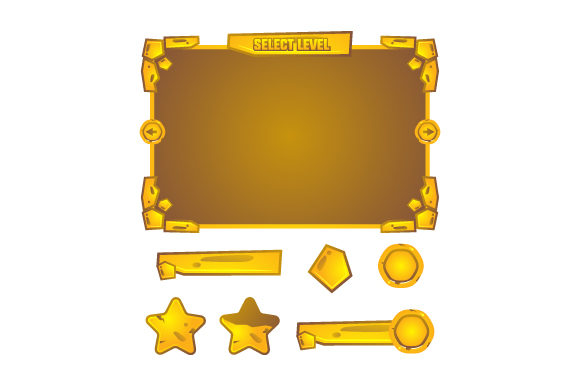
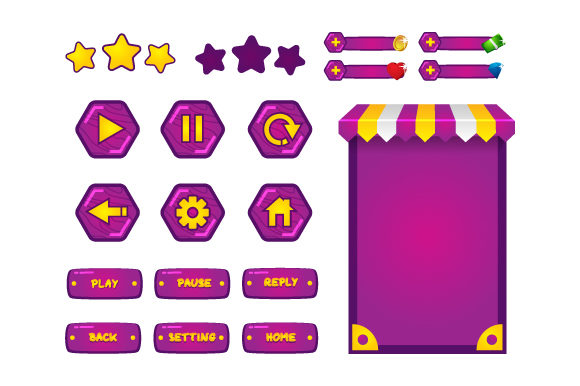
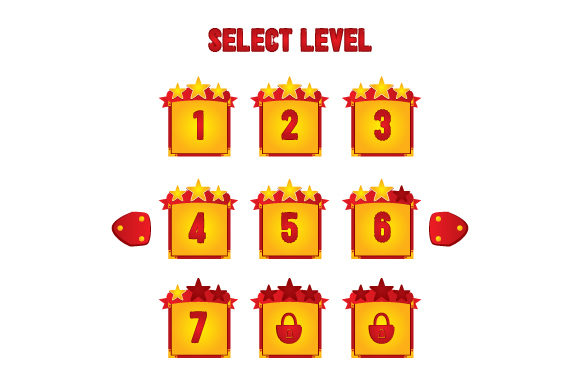
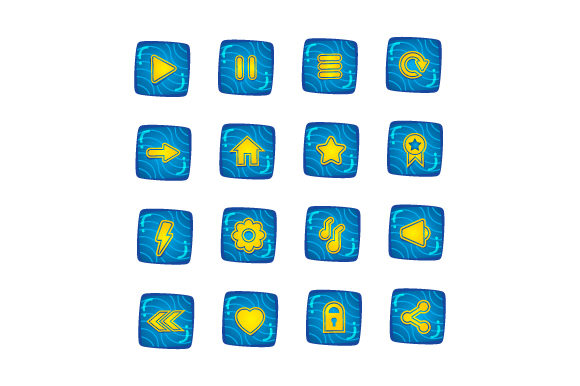
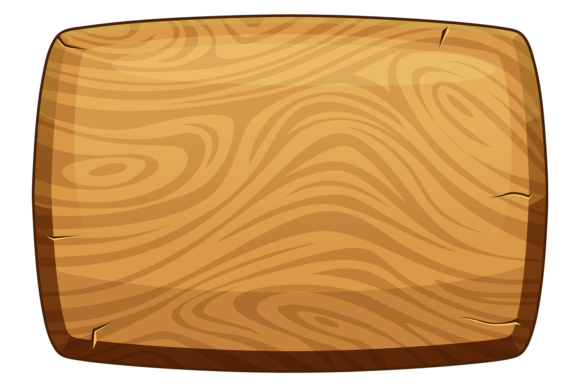
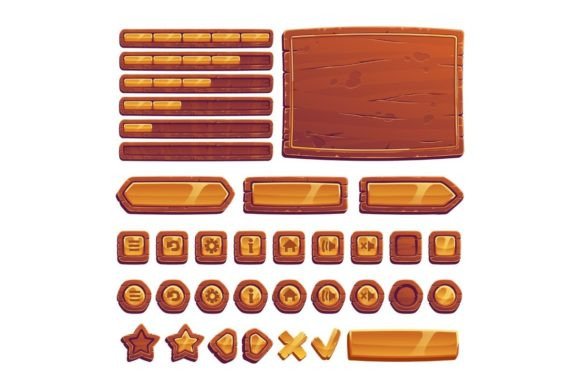
Designing a visually cohesive and functional user interface (UI) is essential for any game, especially in mobile development where screen space and clarity matter. The Wooden and Gold Buttons for UI Game kit offers a unique blend of rustic charm and regal elegance, making it a versatile resource for designers aiming to create engaging mobile game interfaces. This vector cartoon kit includes brown banners, golden menu buttons framed in wood, arrows, and a progress bar — all neatly isolated on a white background for easy integration into various design workflows.
Why This UI Kit Stands Out
What makes the Wooden and Gold Buttons for UI Game particularly appealing is its balance between organic textures and metallic accents. The wooden elements bring warmth and a tactile quality, while the gold highlights add a sense of prestige and reward. This combination works especially well in games with fantasy, adventure, or treasure-hunting themes, where visual storytelling through UI elements can enhance immersion.
Each component is vector-based, ensuring scalability without loss of quality. The inclusion of both EPS and JPG formats gives designers flexibility in how they implement the assets — whether for prototyping, final design mockups, or direct integration into game engines.
Creative Possibilities and Visual Themes
Designers can use this UI kit to explore a variety of visual directions. Here are a few creative applications to spark inspiration:
- Fantasy Quest Interfaces: Use golden buttons with wooden frames to represent magical choices or high-value actions in a fantasy RPG.
- Adventure Game Menus: The warm tones of the wooden banners can evoke a sense of exploration and discovery in adventure titles.
- Educational Games: The rustic yet refined aesthetic can make learning interfaces feel less clinical and more inviting, especially for younger audiences.
- Mobile Puzzle Games: A progress bar from the kit can be used to visually track puzzle completion, styled to match the overall wooden and gold motif.
Because the assets are cartoon-styled and not overly detailed, they can fit into both lighthearted and more serious game genres with slight tweaks in surrounding design elements.
Customization and Adaptation
One of the strengths of this UI kit is its adaptability. Designers can recolor, resize, or combine elements to suit different game styles and branding needs. For example:
- Color Variations: Swap the gold accents for silver or bronze to match different in-game tiers or character classes.
- Thematic Adjustments: Add subtle textures like moss or stone patterns over the wooden banners to align with a nature or medieval theme.
- Platform-Specific Layouts: Rearrange buttons and banners to optimize for portrait or landscape orientation, depending on the target device.
Designers can also layer additional visual effects like drop shadows or glows to enhance interactivity cues without compromising the original style.
Who Can Benefit From This UI Kit?
This resource is ideal for a wide range of creators:
- Indie Game Developers: Save time with pre-designed UI elements that maintain a professional look without requiring custom illustration.
- UI/UX Designers: Use the kit as a foundation for themed interfaces, especially in projects with tight deadlines.
- Marketing Teams: Create consistent promotional materials that mirror in-game UI, helping to build visual recognition.
- Educators and Hobbyists: Learn how themed UI components can influence player experience and interface usability.
Whether you're building a prototype or polishing a final product, the Wooden and Gold Buttons for UI Game kit provides a solid starting point that can be tailored to fit your vision.
Practical Tips for Implementation
To get the most out of this UI kit, consider the following best practices:
- Maintain Visual Consistency: Stick to a limited color palette and style when integrating these elements with other assets.
- Optimize for Readability: Ensure text placed over wooden backgrounds has enough contrast for clarity, especially on smaller screens.
- Use Hierarchy Clearly: Differentiate between primary and secondary actions using size, color, or placement of the buttons.
- Test Across Devices: Preview how the UI looks on different screen sizes and resolutions to ensure usability remains intact.
By treating these elements as part of a broader design system, you can streamline the interface development process and maintain a cohesive user experience.
Expanding Beyond the Kit
While the Wooden and Gold Buttons for UI Game kit is comprehensive, it can also serve as a springboard for creating custom assets. Designers can extract textures, shapes, and layout ideas to build additional interface components like tooltips, inventory slots, or achievement pop-ups. This kind of expansion not only deepens the thematic consistency of the game but also gives the UI a more original feel.
Consider combining this kit with other design tools or brushes that simulate wood grain or metallic finishes. This allows for seamless integration of new elements that match the original style without requiring full illustration from scratch.
Final Thoughts
In the fast-paced world of mobile game development, having access to high-quality, adaptable UI assets can make a significant difference in both efficiency and visual appeal. The Wooden and Gold Buttons for UI Game kit offers a compelling mix of rustic and luxurious design elements that can elevate a game’s interface while remaining practical and scalable.
Whether you're crafting a fantasy epic, a puzzle adventure, or an educational game, this UI kit provides a strong visual foundation that can be customized to suit your specific needs. By focusing on both aesthetics and usability, you can create interfaces that not only look great but also guide players intuitively through your game world.