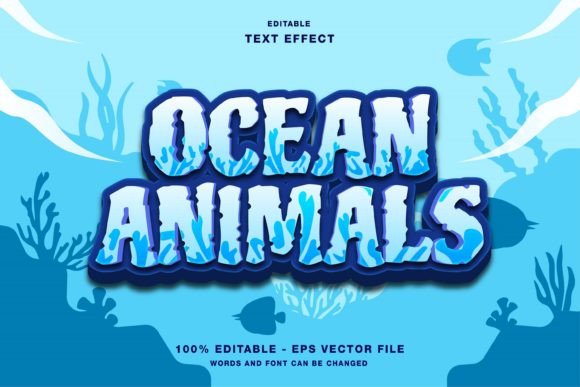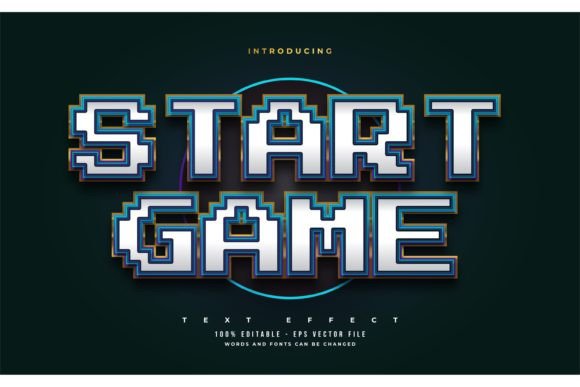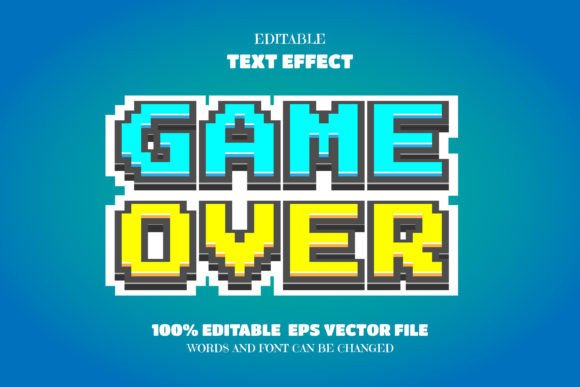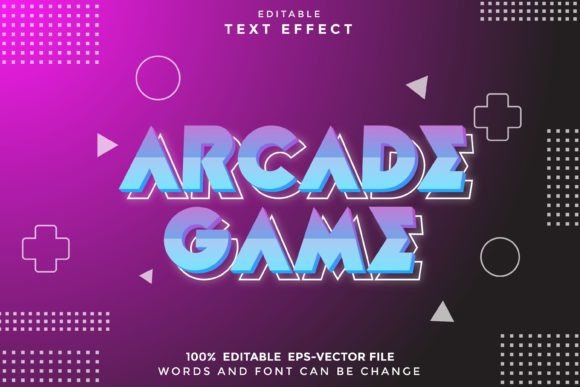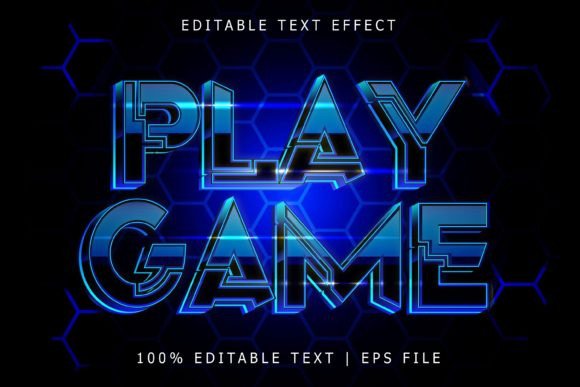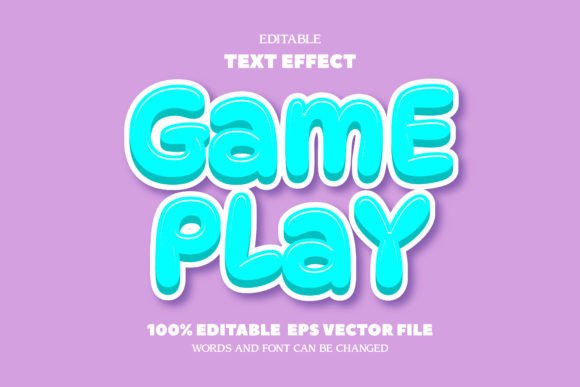
Game Play Text: Editable Font Effect for Creative Designers
Game Play Text, Editable Font Effect is a versatile Adobe Illustrator vector design that offers creators complete control over typography without being limited by traditional font files. Unlike standard fonts, this design allows full customization of each letterform, giving designers the freedom to reshape, resize, and rework text for visual impact while maintaining scalability and clarity.
Why This Font Effect Stands Out
What makes Game Play Text unique is its flexibility. As a fully editable vector file, it’s not restricted to keyboard characters or font licenses. Each letter is a shape that can be manipulated individually, making it ideal for designers who want to push typographic boundaries without relying on third-party software or font libraries.
With over 100 editable characters included, this effect is built for adaptability. Whether you're creating a logo, game title, poster, or digital banner, you can easily adjust spacing, weight, and style to match your vision. The vector format ensures that your text remains crisp at any size—perfect for both screen and print use.
Creative Possibilities with Game Play Text
This font effect opens the door to a wide range of creative applications. Here are just a few ways to explore its potential:
- Video Game Titles: Use the bold, dynamic look of Game Play Text to design titles that feel immersive and engaging. The editable nature of the effect allows you to match the tone of your game, whether it’s retro, futuristic, or fantasy-themed.
- Marketing Materials: Stand out in promotional content with text that’s visually rich and instantly recognizable. Modify colors, outlines, and textures to align with brand guidelines or seasonal campaigns.
- Educational Infographics: Make learning materials more engaging by using stylized text to highlight key terms or concepts. The clarity and scalability ensure readability across formats.
- Social Media Graphics: Create shareable content with eye-catching headlines that maintain quality across platforms and screen sizes.
Designers and Entrepreneurs Can Benefit
Freelancers and small business owners will find Game Play Text especially useful for branding and promotional work. Since it’s easy to edit and doesn’t require special font licensing, it’s a cost-effective solution for producing high-quality visuals quickly. Designers can offer clients unique, custom-looking text without the complexity of hand-drawn typography.
Bloggers and content creators can use this effect to enhance visual storytelling. Whether designing thumbnails, featured images, or printables, the flexibility of Game Play Text ensures that the design remains consistent and professional across different media.
How to Use This Font Effect Effectively
While the design is highly adaptable, there are a few best practices to follow to ensure your results are clear and visually cohesive:
- Start with a Clear Purpose: Know the context in which your text will be used. A game title may benefit from sharp edges and bold outlines, while a learning poster might need cleaner lines and better readability.
- Keep It Readable: Even with creative effects, legibility should remain a priority. Avoid over-stretching or distorting letters to the point where they become difficult to read.
- Use Consistent Styling: If you're applying gradients, shadows, or textures, apply them consistently across all text elements to maintain visual harmony.
- Test Across Sizes: Preview your design at different scales to ensure it looks sharp both on screen and in print.
Customizing the Look
One of the major advantages of Game Play Text is that it’s not locked into a single style. You can:
- Change stroke widths and fill colors
- Add effects like glows, drop shadows, or bevels
- Combine with other vector graphics or illustrations
- Break apart letters for animation or layered designs
This level of control makes it ideal for motion graphics, animated explainer videos, or UI elements in digital design projects.
Adapting for Different Platforms
Because Game Play Text is vector-based, it works seamlessly across multiple platforms and formats. Here’s how different users can make the most of it:
- Web Designers: Export text as SVG files for crisp, scalable web graphics that load quickly and maintain quality on all devices.
- Print Designers: Use it for posters, flyers, and packaging where high-resolution text is essential.
- Game Developers: Integrate stylized titles and interface text that matches the game’s visual tone without relying on system fonts.
- Illustrators: Blend the text with custom illustrations for a unified, artistic look in editorial or branding work.
Staying Original and Audience-Friendly
While it’s tempting to copy popular text styles, true creativity comes from personalization. Use Game Play Text as a foundation, then make it your own. Adjust spacing, mix in custom shapes, or combine with hand-drawn elements to create something truly unique.
Always consider your audience. A playful, colorful style might resonate with younger users, while a sleek, minimalist approach could appeal to professionals or educators. Tailor your design choices to the people you’re trying to reach.
Conclusion
Game Play Text, Editable Font Effect is more than a design template—it's a tool for creative expression. Whether you're a professional designer, a hobbyist, or someone who needs standout visuals for your business, this vector effect gives you the flexibility to craft text that’s both impactful and original. With its ease of use, scalability, and adaptability, it’s a valuable asset for anyone looking to elevate their design work without being limited by traditional fonts.